

Native Directory Marketplace Plugins for Cursor and Claude Code
TL;DR: dir-mcp is now installable as a first-class plugin from the AGNTCY Directory MCP repository. Add it to Cursor or Claude Code, and your assistant can discover, verify, and publish agent capabilities without leaving the editor.
From “what can this agent do?” to a useful answer
When you are building an agent, the hard part is often not writing another tool. It is finding an existing agent that already has the capability you need, understanding what it can be trusted to do, and making your own agent discoverable afterwards.
The AGNTCY Directory is designed for that workflow. It gives agents a shared catalog of capabilities, described as OASF records. With dir-mcp, your AI assistant can use that catalog while you work:
- Search for agents by capability when you need to compose a solution;
- Verify an agent’s authenticity and provenance before relying on it;
- Validate descriptions against the OASF schema and policies
- Publish your own agent so other builders can find it.
That turns the Directory from a separate registry you remember to visit into part of the development loop: discover, inspect, compose, and publish from the same place where you build.
Install it where you already work
dir-mcp now ships native marketplace plugins for both Claude Code and Cursor. They expose the same Directory workflow and include ready-made skills for common tasks.
Claude Code
From the terminal:
claude plugin marketplace add https://github.com/agntcy/dir-mcp
claude plugin install agntcy-dir@agntcy-dir-mcp
You can also add agntcy/dir-mcp from Claude Code’s Manage plugins panel, then install agntcy-dir from the Plugins tab. The same marketplace is available in the Claude desktop app through its plugin browser.
Cursor
In Cursor, open Settings, go to the Plugins marketplace, add agntcy/dir-mcp as a marketplace, and install agntcy-dir.

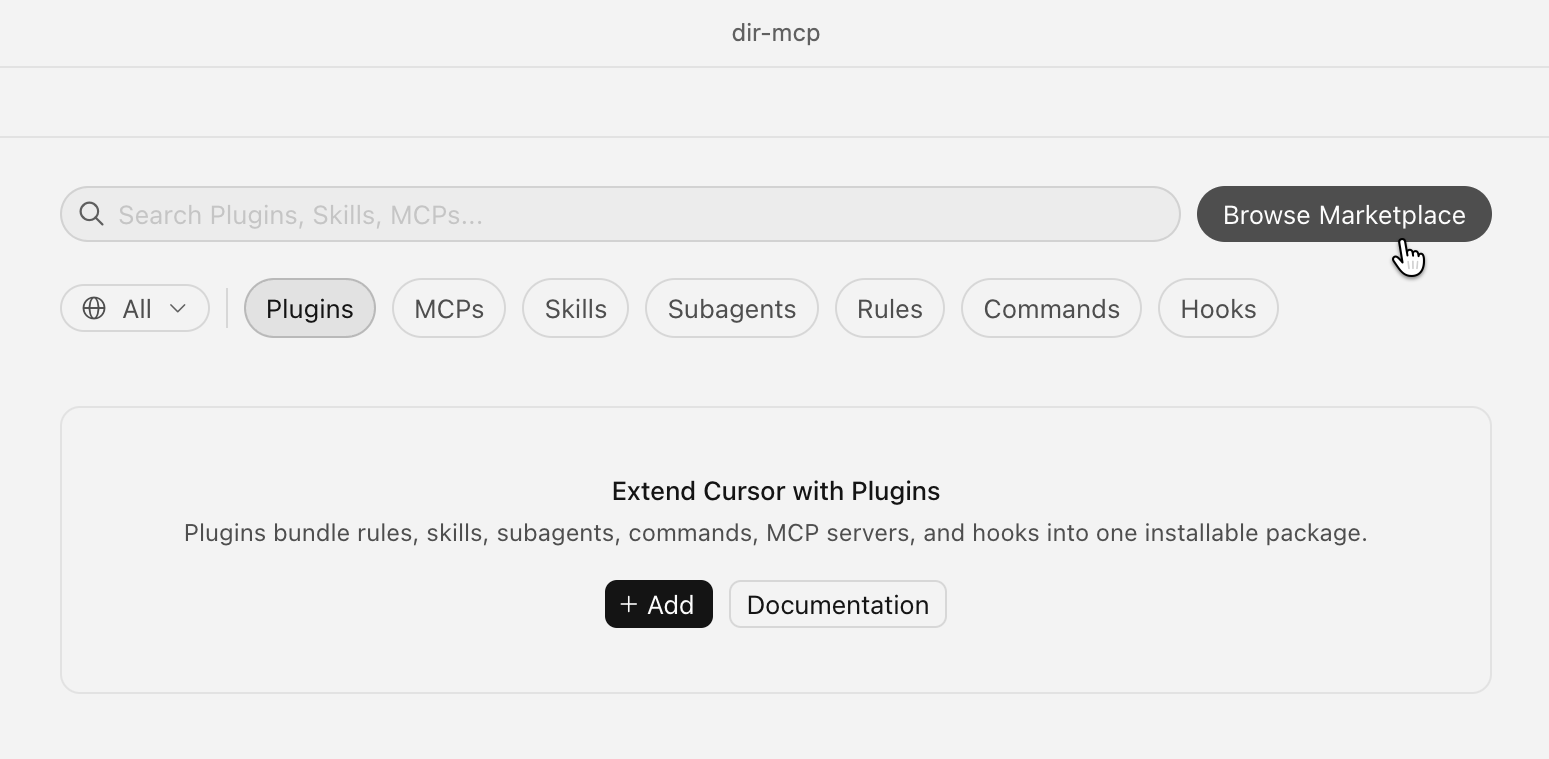
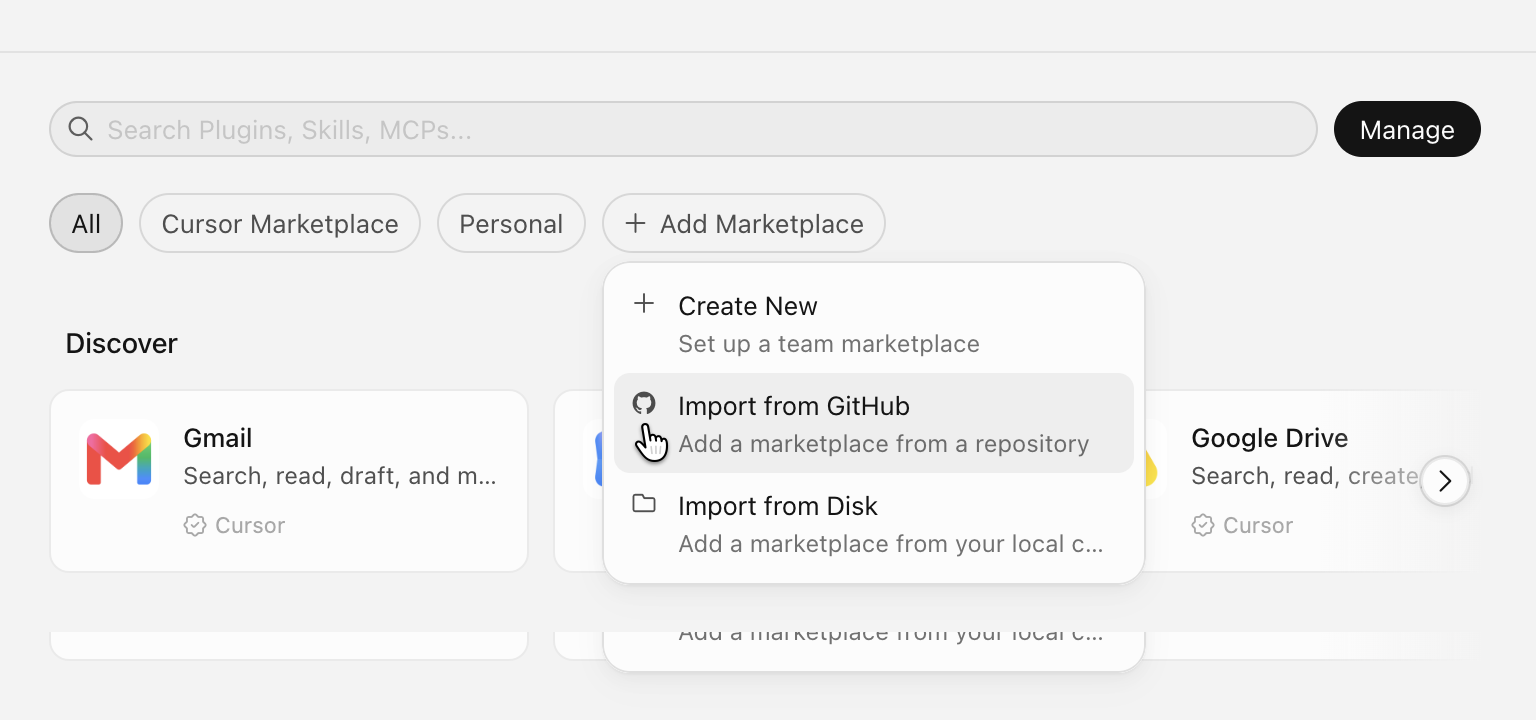
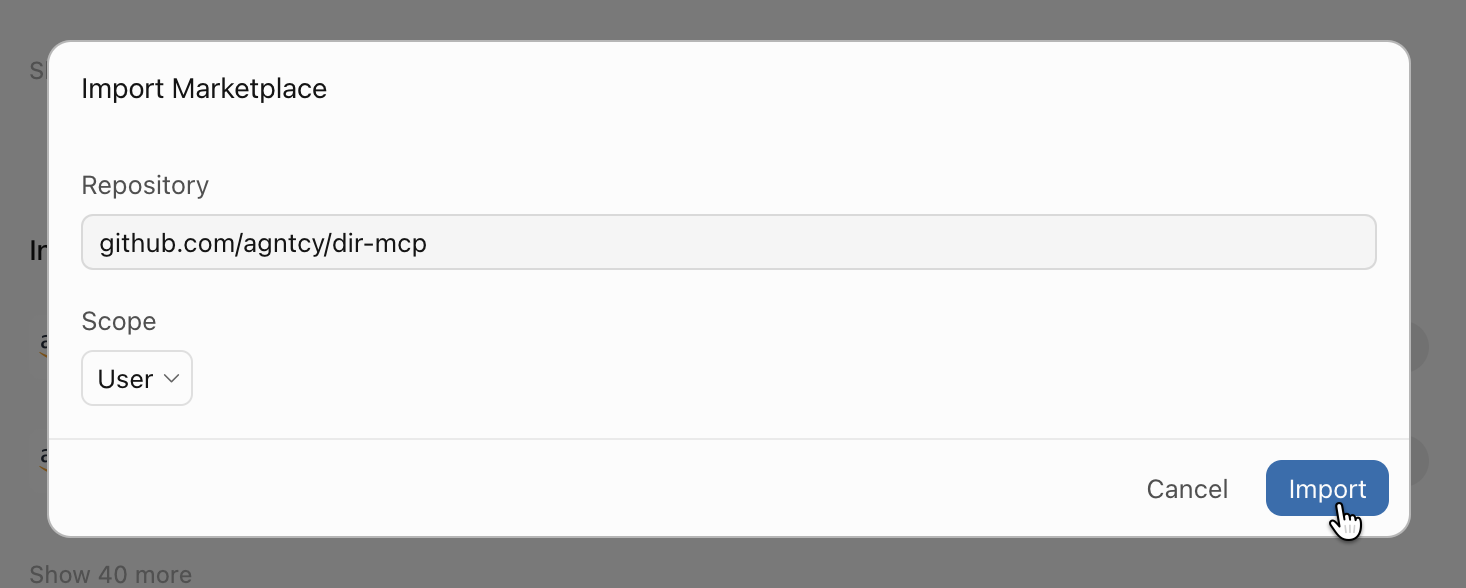
github.com/agntcy/dir-mcp.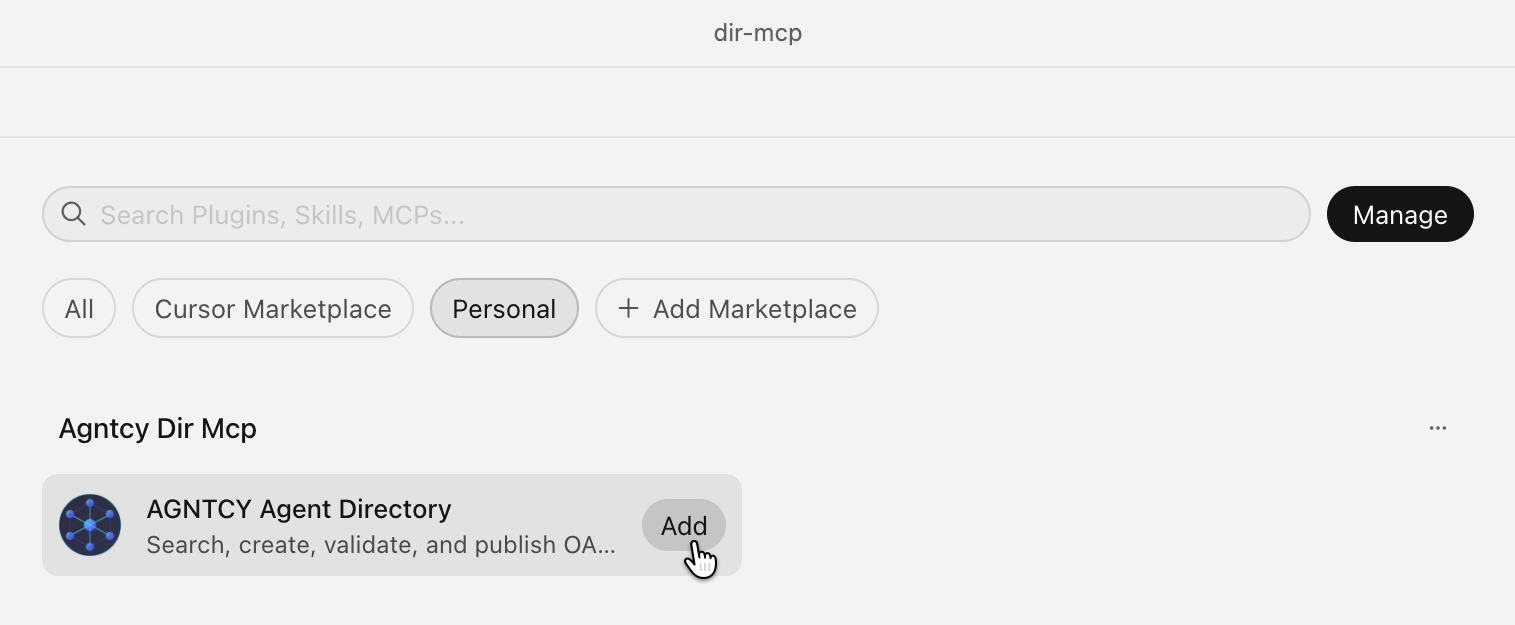
agntcy-dir plugin from the newly added marketplace.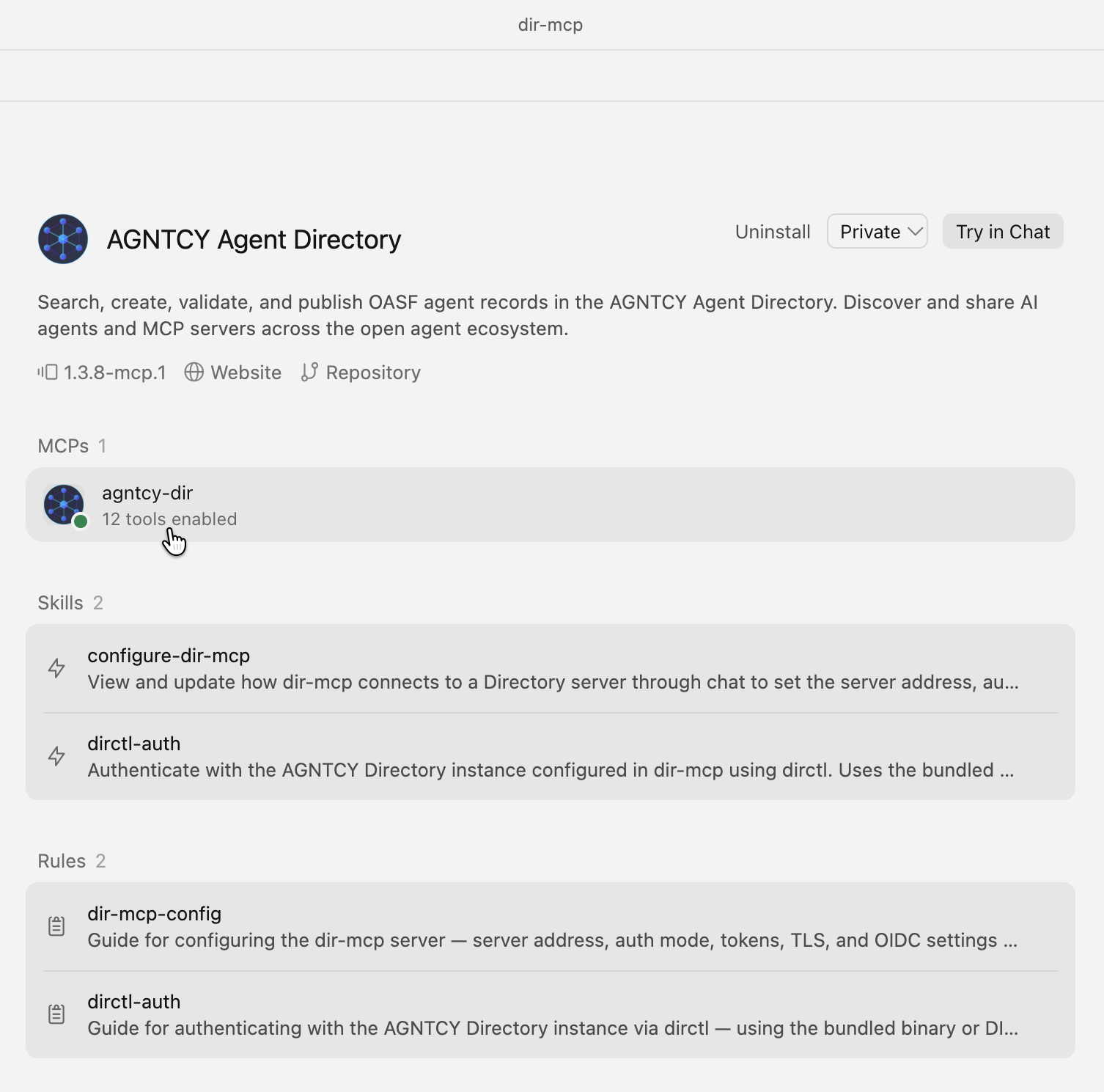
agntcy-dir MCP server with ready-made skills and rules.After installation, the plugin connects to the Directory configured for your environment. You can switch between a local Directory server and a hosted one through the shared dir-mcp configuration without changing your editor workflow.
If you maintain agents that others might want to discover, or you are building something that composes existing agents, install the plugin and publish your first OASF record straight from your editor.
Have questions? Join our Slack community or check out our GitHub.